
Capturing life’s precious moments is now easier than ever. Thanks to photography technology, you can take your skills to new heights. With a digital camera, you can capture stunning images.
Knowing camera settings and photography techniques is key for fun photos. Whether you’re new or experienced, learning these skills is essential. It helps you create memorable shots.
Exploring different photography techniques and camera settings can make your photos exciting. It adds a special touch to your photos.
Understanding Digital Cameras
The secret to amazing photos is knowing your camera’s features and settings. With many options, it’s key to grasp what your camera can do. This way, you can capture life’s special moments.
Digital cameras vary, like DSLRs, mirrorless, and point-and-shoot. Each has its own features and benefits. DSLRs give top-notch image quality and control, while point-and-shoots are small and simple to use.
It’s vital to learn your camera’s menu and settings. This means knowing the different camera modes like Auto, Manual, Aperture Priority, and Shutter Priority. Each mode lets you control your camera differently, fitting various photo needs.
Key Camera Settings to Understand
Important settings include ISO, aperture, and shutter speed. ISO affects how sensitive your camera is to light, aperture controls light entry, and shutter speed sets exposure time. Knowing these will help you control your photos’ look and feel.
Modern cameras also have cool features like image stabilization, autofocus, and special modes like portrait and night. Learning about these can boost your photography basics and make your photos look pro.
Investing time in learning your camera’s features and settings unlocks its full power. Whether you’re new or experienced, knowing your camera is the first step to amazing photos.
Features to Look For in a Digital Camera
To get the most out of your photos, knowing what to look for in a digital camera is key. Several important features can greatly affect your photography experience.
First, image resolution is a must. It affects the quality of your photos. A higher resolution means your photos will be more detailed. Choose cameras with high megapixel counts for clear and sharp images.
Zoom Capabilities
Zoom is also vital. Optical zoom is better than digital zoom because it keeps image quality high.
Manual Controls
Manual controls are another plus. They let you adjust settings like aperture, shutter speed, and ISO. This gives you more control over your photos.
Knowing these features helps you pick the right camera. Think about your photography needs and what you want to do. This way, you can find a camera that fits your style.
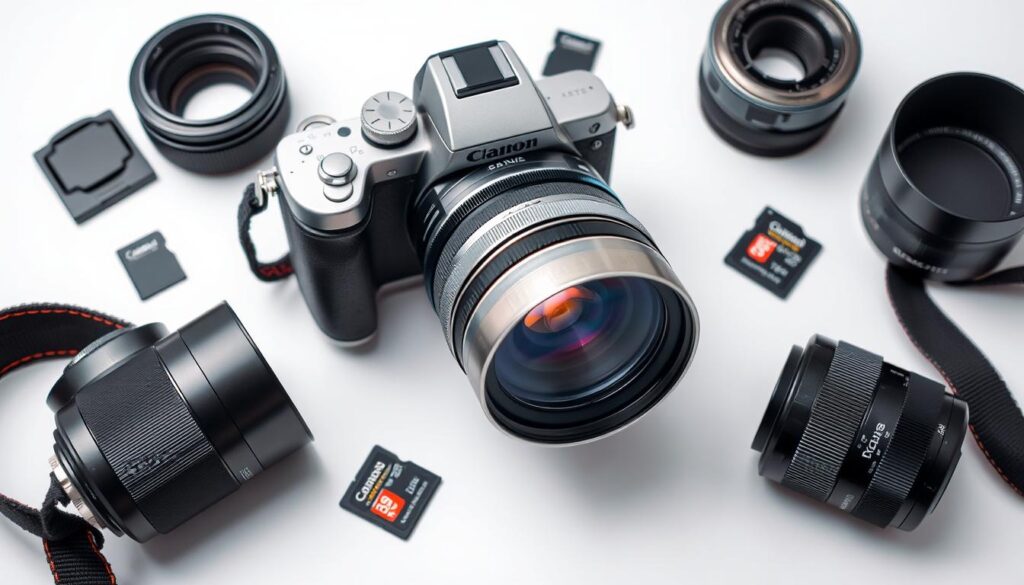
Getting Started with Your Digital Camera
Before you start taking photos, let’s go through the initial setup of your digital camera. This includes a few simple steps to get you ready to capture your first image quickly.
Inserting a Memory Card
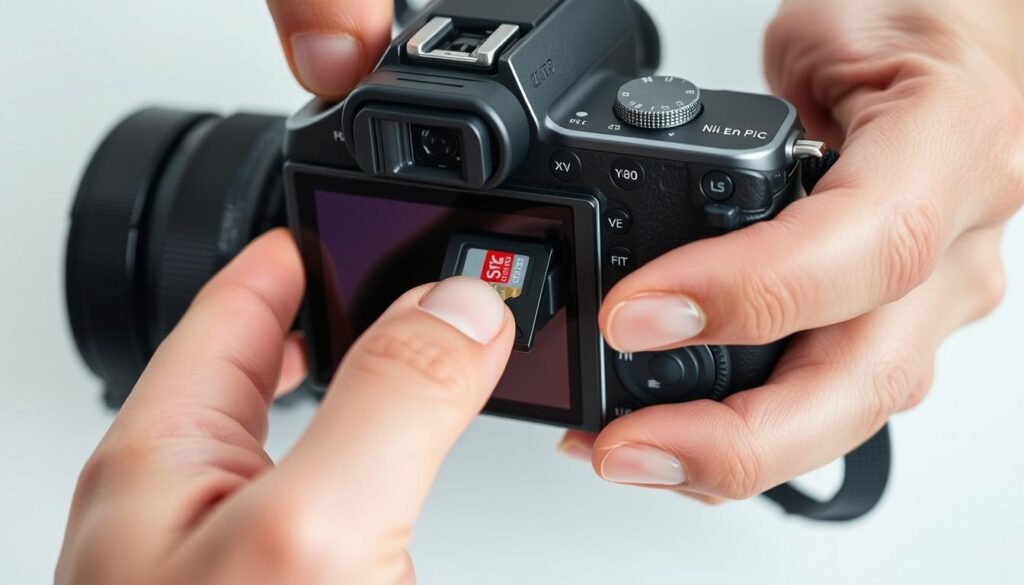
The first step is to insert a memory card. This card stores all your photos. To insert it, find the memory card slot on your camera. It’s usually on the side or bottom.
Make sure your camera is turned off before you insert or remove the memory card to avoid damage.
Once you’ve found the slot, push the memory card in until it clicks. If it’s a new card, you might need to format it first. Your camera’s manual will show you how.
After setting up your memory card, charge your camera’s battery. Most cameras come with a rechargeable battery and charger. Plug in the charger and let it charge as instructed.
Familiarizing yourself with your camera’s buttons and controls is key. Read your camera’s manual to understand each button. This will help you use your camera’s settings and modes.
By following these simple steps, you’ll be ready to take great photos with your digital camera. Remember, practice makes perfect. Don’t be afraid to try different settings and modes to find what works best for you.
Tips for Taking Great Photos
To take stunning photos, knowing and using good composition techniques is key. One top technique is the rule of thirds. It’s simple yet powerful for making your photos more appealing.
Rule of Thirds
The rule of thirds divides your image into thirds both ways, making nine parts. Put your subject on these lines or where they meet for better balance and interest.
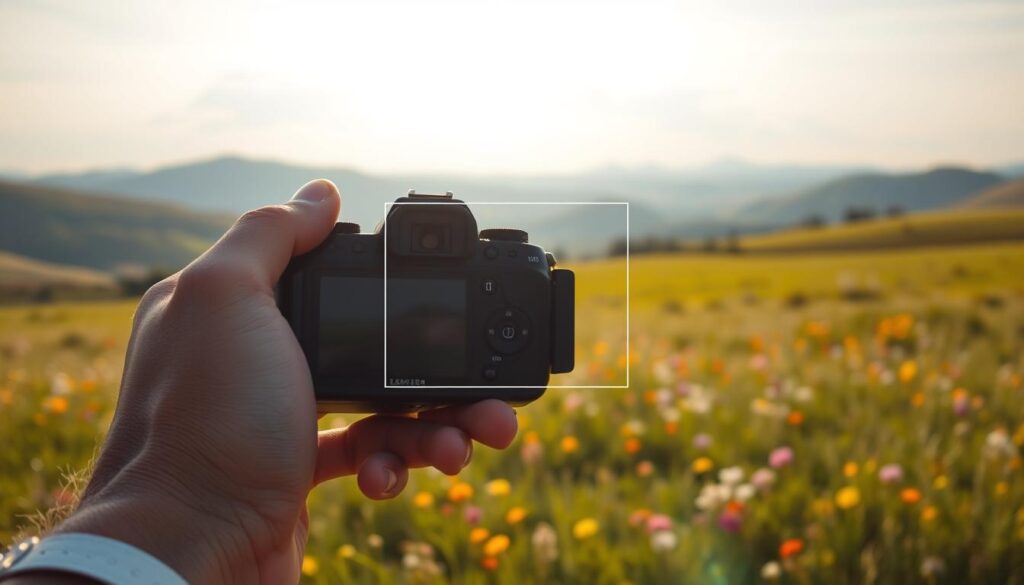
Using the rule of thirds helps avoid centering your subject. This makes your photos more lively and engaging. It draws the viewer’s eye to the key parts.
Other great techniques include leading lines and framing. Leading lines lead the viewer’s eye to your subject. Framing uses natural or man-made things to surround your subject, adding depth.
By using these photography tips, your photos will be more appealing and engaging. They will truly capture the essence of your subject.
Exploring Camera Modes
Learning about your camera’s modes is essential for improving your photography skills. These modes let you adjust settings like exposure and focus. This helps you take better photos.
Knowing your camera’s modes can make a big difference. The main two are Auto Mode and Manual Mode. They are the basics of using your camera.
Auto Mode vs. Manual Mode
Auto Mode is great for beginners. It makes taking photos easy by adjusting settings for you. This way, you get good photos without knowing much about photography.
Manual Mode is for those who want more control. It’s perfect for experienced photographers or anyone wanting to learn more about photography.
As “The art of photography is not about the camera, it’s about the eye.” This quote shows how important it is to know your camera. Understanding its modes helps you capture your vision.
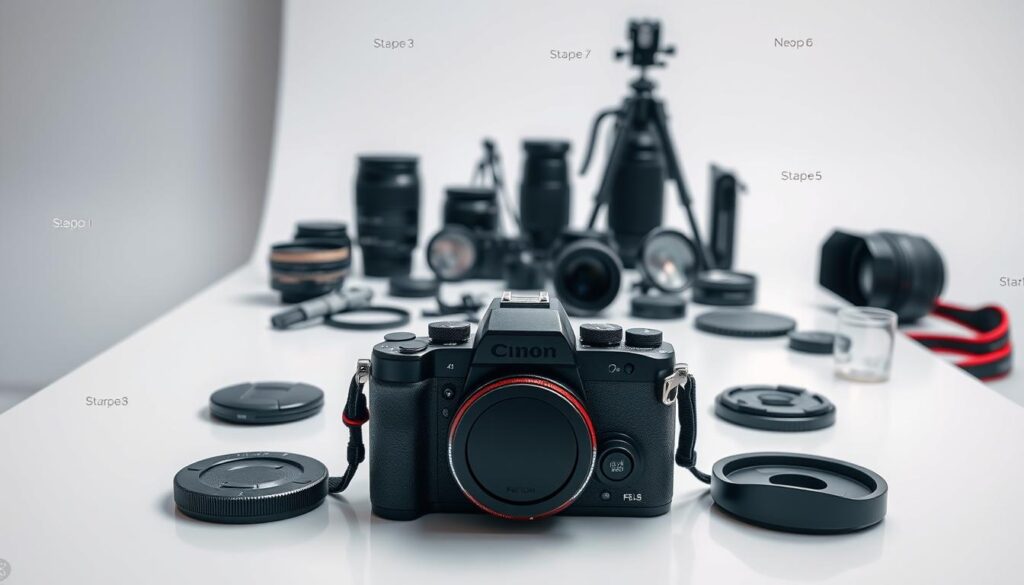
Using different camera modes can really boost your photography skills. Whether you’re in Auto Mode for simplicity or Manual Mode for control, knowing when to switch is key. This way, you can take the best photos possible.
Fun Photography Techniques
Trying out new photography techniques can make your photos stand out. It’s all about adding a creative twist. This can be done by experimenting with various methods.
Experimental photography means trying new and different ways to take pictures. This includes playing with angles, composition, and lighting. A famous photographer once said,
“The key to capturing stunning photos lies in understanding and manipulating light.”
Playing with Lighting
Lighting can totally change how a photo feels. You can use natural light, artificial light, or even mix them for different effects. For example, backlight can make a beautiful silhouette, while softbox lighting gives a softer, even light.
To play with lighting, watch how different lights affect your subject. Try shooting during the golden hour for a warm, magical light. You can also play with shadows by moving your light source or subject.
Another fun trick is to use lighting effects in creative ways. You can add lens flares or reflections to make your photos more interesting. The goal is to keep trying new things and see how lighting can change your photos.
Editing Your Photos
Changing the exposure and contrast of your photos can make them look much better. With a few easy steps, you can improve your images and make them pop.
Photo editing is key for photographers. It lets you fine-tune your photos to get the look you want. Basic steps include tweaking exposure, contrast, and color balance. These changes can greatly affect how your photos look.
Adjusting Exposure and Contrast
Exposure and contrast are vital for a great photo. Adjusting exposure means making the image brighter or darker. This ensures it’s not too light or too dark.
Contrast adjustment also matters a lot. It changes how colors and tones appear. More contrast makes images more lively, while less makes them softer.
Learning these basic editing techniques can really boost your photo quality. Whether you need to brighten a dark photo or add depth to a flat one, adjusting exposure and contrast is essential.
Sharing Your Photos
Sharing your photos is a great way to show off your photography skills. It also helps you connect with others who love photography. Thanks to technology, sharing photos is now easier than ever.
You can start by moving your photos to your computer. Most digital cameras come with a USB cable. This cable lets you connect your camera to your computer.
Once connected, your computer will see your camera as an external device. Then, you can move your photos over.
Steps to Transfer Photos:1. Connect your camera to your computer using a USB cable.
2. Turn on your camera and set it to the correct mode (usually ‘PC’ or ‘Transfer’ mode).
3. Your computer should detect the camera; follow the prompts to transfer your photos.
Sharing on Social Media
After moving your photos to your computer, you can share them on social media. Social media is a great way to get feedback on your photography and connect with others who share your passion.
To share your photos on social media, you’ll need to create an account if you haven’t already. Then, you can upload your photos directly to the platform. Most platforms let you add captions, tag friends, and even geotag your photos.
When sharing on social media, think about the type of content you’re posting. For example, Instagram is all about visuals, so your photos need to be top-notch. Facebook, on the other hand, allows for different types of posts, like albums and stories.
By sharing your photos, you’re not just showing off your skills. You’re also joining a community of photography lovers. So, don’t be shy about sharing your work and connecting with others!
Maintaining Your Digital Camera
To keep your digital camera working well, regular care is key. This means cleaning the lens and body to avoid dirt and dust. These can harm your photos’ quality.
Updating Camera Firmware
Updating the camera firmware is also important. Firmware updates can make your camera better, add new features, and fix problems. To update, visit the manufacturer’s website for steps and download the newest version.
By sticking to these easy camera maintenance tips, like cleaning and firmware updates, your camera will stay in top shape. This ensures it keeps taking amazing photos.