

In today’s digital world, we keep a lot of data on our computers. This includes important work files and personal memories. It’s key to keep these files safe and easily accessible.
Data loss can happen for many reasons like hardware failure or cyber-attacks. This makes a good data backup very important. An external hard drive is a simple and effective way to keep your files safe.
Using an external hard drive for file security helps protect your data from unexpected problems. It makes sure your files are there when you need them.
What is an External Hard Drive?
In today’s digital world, an external hard drive is key for backing up and moving data. An external hard drive is a portable storage device. It connects to computers or other devices via a USB cable or other interfaces.
These devices add extra storage space beyond what’s on your device’s internal hard drive. They’re great for storing big files like videos, high-resolution images, and large datasets.
One big plus of using an external hard drive is how portable it is. You can take it with you and plug it into different devices. It’s perfect for those who work on many computers or need to move data around.
Key Features of External Hard Drives:
- Portability: Easily transport your data between different locations and devices.
- Additional Storage: Expand your storage capacity beyond your device’s internal limits.
- Data Backup: Safeguard your important files by creating backups.
- Compatibility: Works with various devices, including computers and some smart TVs.
Knowing what an external hard drive is and how it works helps you see its importance in managing and protecting your digital data.
Why Use an External Hard Drive for Backup?
Using an external hard drive for backups is a smart move for several compelling reasons. One of the primary advantages is cost-effectiveness. Unlike many cloud-based services that charge monthly fees, external hard drives are a one-time purchase. This makes them an economical choice for data backup.
Another significant benefit is the local control you have over your data. With an external hard drive, your files are stored on a physical device. You can keep it in a safe place, giving you complete control over who has access to your data. This is important for sensitive information that you may not want to store in the cloud.
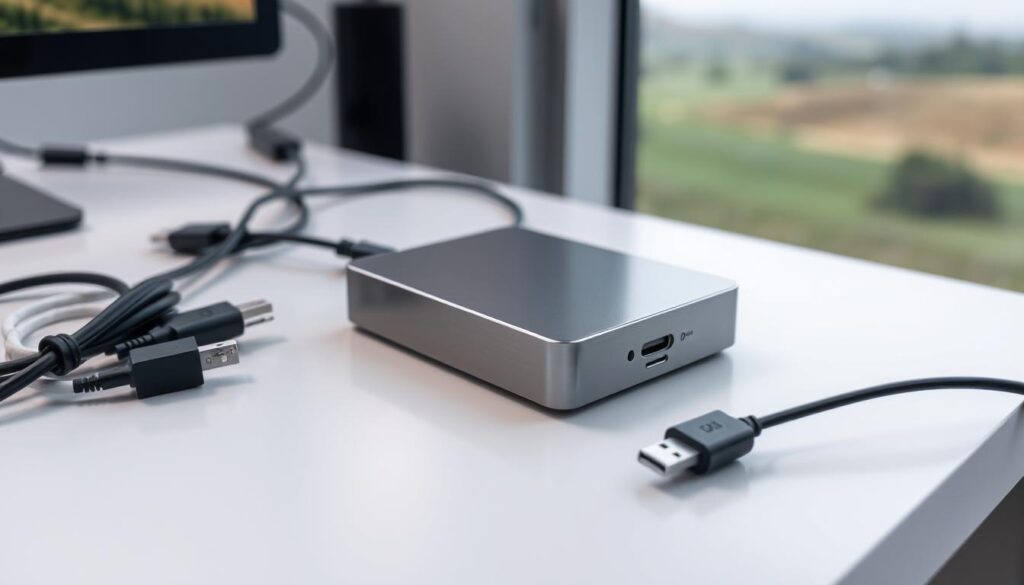
While external hard drives offer many advantages, it’s essential to note that they should ideally be used as part of a hybrid backup approach. This means combining your external hard drive with a cloud-based backup service. This way, your data is protected against a wide range of risks, including hardware failure, theft, and natural disasters.
By adopting a hybrid backup method, you can enjoy the benefits of both local and cloud-based backup methods. This ensures that your data is safe and easily recoverable in case of any unforeseen events.
In summary, using an external hard drive for data backup is a reliable and cost-effective way to protect your files. When combined with cloud-based services, it provides a complete backup solution that covers various risks.
How to Choose the Right External Hard Drive
Choosing the right external hard drive is key to keeping your data safe. First, you need to decide between a Solid-State Drive (SSD) and a Hard Disk Drive (HDD).
SSD vs. HDD: SSDs use flash memory for storing data, which means they’re faster and more durable. HDDs, on the other hand, use magnetic disks. They offer more storage for less money. A data storage expert says,
“SSDs are ideal for users who need to transfer large files quickly, while HDDs are better suited for those requiring massive storage capacity.”
Think about what you need before making a choice. If you handle big files or need quick transfers, an SSD is a good pick. But, if you’re looking to store lots of data without worrying about speed, an HDD might be better.
Storage Capacity and Compatibility
Storage capacity is another important factor. External hard drives vary in size, from a few hundred gigabytes to several terabytes. Figure out how much storage you need now and in the future. Also, make sure the drive works with your devices, like computers or gaming consoles.
By weighing these points, you can find an External Hard Drive that protects your data well and fits your needs.
Setting Up Your External Hard Drive
To start backing up your files, you’ll need to set up your external hard drive. This is easier than you might think. First, connect the drive to your computer or laptop using a USB cable.
Once connected, your computer should recognize the external hard drive. Then, you can start configuring it for use. It’s essential to follow the manufacturer’s instructions for any specific setup requirements. Usually, this means formatting the drive if it’s not already done.
As TechRadar notes, “Setting up an external hard drive is a simple process that can be completed in a few minutes.” You can then choose individual files or folders to copy onto the external storage device.
“Backing up your data is critical in today’s digital age, and an external hard drive is a great way to do it.”
By following these steps, you can make sure your external hard drive is set up right and ready for use.
Best Practices for Backing Up Files
It’s key to have good data backup plans to keep your files safe. Regular backups can save your data if something unexpected happens like a hardware failure or accidental deletion.
To make sure your backups work, set up a regular backup schedule. Use tools like File History in Windows or Backup and Restore. This makes backing up automatic and cuts down on mistakes.
Regular Backup Schedules
Having a regular backup schedule keeps your backups current. You can back up your files every day, week, or month, based on how often your data changes. Think about the backup methods that fit your needs, like full, incremental, or differential backups.
Stick to these best practices and keep a steady backup routine. This way, your files will be safe and easy to get back if you lose them.
How to Transfer Files to an External Hard Drive
Backing up your files means moving them to an external hard drive. This is a simple yet effective way to keep your data safe. You can move files by dragging and dropping or copying and pasting. This lets you choose which files to back up.

For easier backups, use your computer’s built-in tools. These tools let you set up regular backups. This way, your files stay updated without you having to do anything. It also helps keep your files safe by reducing mistakes.
To start, plug in your external hard drive. Once it’s seen by your computer, you can move files into it. You can drag them into the drive’s folder or use copy and paste. It’s smart to put your files in folders to make things easier.
For automatic backups, check out the software that came with your computer or look at other options. These tools might let you encrypt your backups. This adds more security to your data. Whether you do it yourself or use a tool, regular backups are key to keeping your data safe.
Troubleshooting Common External Hard Drive Issues
Fixing your external hard drive is key to keeping your data safe. Sometimes, your computer might not see it, or you could run into problems while backing up.
Connectivity issues are a big problem. Make sure the USB cable is plugged in tight to both the drive and your computer. Try a different USB port or cable to see if it’s a connection problem.
Driver problems can also cause trouble. Old or broken drivers can make your drive not work right. Update your drivers through your computer’s device manager to fix this.
If your drive isn’t showing up, it might be a power issue. Some drives need their own power source. Check if your device needs an external power adapter and make sure it’s plugged in right.
Issues with disk management can also stop your drive from being seen. Use your computer’s disk management tool to see if the drive is listed and initialize it if it’s not.
By following these steps, you can fix common problems with your external hard drive. This keeps your data safe and easy to get to. Regular checks can also keep your drive healthy and prevent losing your data.
Ensuring Data Security on Your External Hard Drive
To keep your data safe, it’s key to use strong security on your external hard drive. Protecting your files from unauthorized access or loss is vital. This involves several important steps.
Using encryption is a top way to secure your data. It makes your files unreadable to anyone without the right key or password. “Encryption is a powerful tool for protecting sensitive information,” say cybersecurity experts. Many external hard drives have built-in encryption, or you can use third-party tools.
“The use of encryption is a critical component of a robust data security strategy.”
Strong passwords are also essential for data security. A good password is complex, with letters, numbers, and special characters. Don’t use easy-to-guess info like your name or birthdate. Update your passwords often and use a password manager for extra security.
Keeping your external hard drive’s software and firmware updated is also important. Manufacturers often release updates to fix security issues. Staying current helps protect your data.
By following these steps, you can greatly improve the file security of your external hard drive. This ensures your important data stays safe.
Maintaining Your External Hard Drive
Keeping your external hard drive in good shape is key to protecting your important files. Taking care of it helps it last longer and keeps your data easy to get to.
Start by being gentle with your drive. Don’t drop it or bang it around, as this can damage it. Always pick it up by the edges and stay away from the inside parts.
Safe Ejection Practices are very important. Always pull your drive out of your computer before unplugging it. This keeps your data safe and prevents damage to the drive.
Where you store your drive matters too. Keep it in a cool, dry spot, away from sunlight and magnets. Extreme temperatures can harm your drive’s performance and life.
Regularly updating your backup is also vital. Make sure your data is up to date and have extra copies if you can. This helps if your drive fails or if you accidentally delete something.
By following these easy tips, you can make your external hard drive last longer. And you’ll keep your data safe and easy to find.
Understanding Drive Capacity and Speed
Choosing the right external hard drive is key for smooth backups. The drive’s capacity shows how much data it can hold, in terabytes (TB). The speed tells you how fast data moves to and from the drive.
How much space you need depends on your backup files. If you have lots of videos, photos, or documents, you’ll need more space. Drives vary from a few hundred gigabytes to several terabytes. Make sure to pick a drive that fits your storage needs now and in the future.
The drive’s speed is also vital. It’s usually based on the interface, like USB 3.0, USB-C, or Thunderbolt 3. USB 3.0 and USB-C are faster than older versions, great for big data moves. Thunderbolt 3 is even quicker, perfect for professionals with huge files.
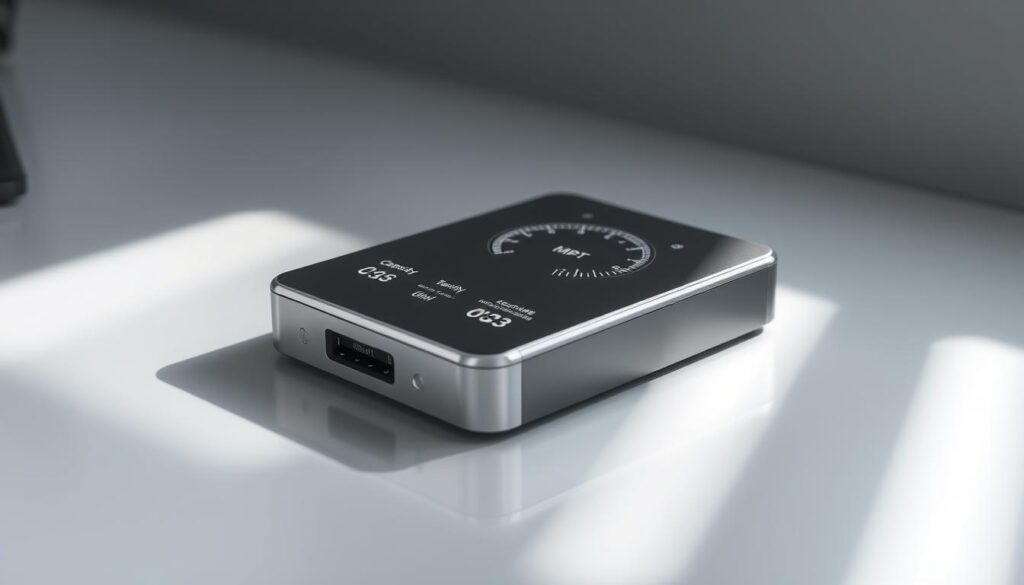
Speed matters, but so does the type of speed. Sequential speed is for continuous data flow, while random speed handles scattered data. For backups, sequential speed is more important.
Factors Influencing Drive Performance
Several things affect your drive’s performance. The type of drive, interface, and rotational speed (for HDDs) all play a role. SSDs are faster but cost more per gigabyte than HDDs.
For the best backup, balance capacity and speed based on your needs. If you’re backing up big files often, speed is key. For storing lots of data slowly, focus on capacity.
Exploring Alternatives to External Hard Drives
In the world of data backup, there’s more than just external hard drives. New options like cloud backup services are gaining fans. They’re easy to use and offer top-notch security.
Cloud backup is a big player in this field. It lets you store your data online, on servers you reach through the internet. This way, you don’t have to worry about losing your files because of a broken hard drive or a disaster.
Cloud backup also means you can get to your files from anywhere, anytime. You just need the internet. This is great for people and businesses that need to access their data all the time.
Also, cloud backup services can grow with you. You can change how much storage you need as your needs change. This makes cloud backup a smart choice for those who want a backup plan that’s easy to adjust.
To wrap it up, while external hard drives are good for backup, cloud backup services have a lot to offer. They bring better security, easier access, and the ability to grow with you. As we all need to keep our data safe, it’s smart to look into these options for your backup plan.
Conclusion: The Importance of Backing Up Your Files
Backing up your files is key to keeping your data safe. It prevents loss or damage, ensuring your files are secure. Using an external hard drive, alone or with cloud backup, is a solid way to protect your files.
Investing in a good external hard drive and following backup best practices is smart. It keeps your important data safe. Regular backups can also prevent the stress and cost of losing your data.
Start protecting your data today. Create a backup plan that fits your needs. Use both external hard drives and cloud storage for the best file security.