
In today’s world, a good Internet connection is key. A Modem is a main tool for this. It connects your home to the internet service provider, making communication and data transfer possible.
To get started, you need to make a few easy connections. First, link a coaxial cable from your home to the modem. Next, plug in the power cable and turn it on. If you have a Wi-Fi router, connect it to the modem with an ethernet cable. This simple setup gets you online fast.
Knowing how to connect to the internet with a modem is vital for a smooth online experience. By following these steps, you can create a stable connection. This lets you enjoy uninterrupted browsing, streaming, and more.
What is a Modem?
A modem is an essential component that connects your home network to the internet. It’s key in letting your devices talk to the global network.
The modem’s main job is to convert signals from your ISP into a network connection for your place. It takes the signal from cables or phone lines and turns it into a digital signal for your devices.
In short, a modem is a gateway to the internet. It lets you get online, talk to others, and use internet services. Without it, you can’t connect to the internet, making it very important for homes and businesses.
Many people mix up a modem with a router. But they’re different. The router spreads the internet to many devices in a network. The modem, on the other hand, connects to the ISP first. Knowing this helps you set up and manage your network better.
To wrap it up, a modem is a vital device for internet access. It changes ISP signals into a usable connection. Its role is essential in today’s digital world, helping with both personal and work online activities.
Different Types of Modems Explained
It’s important to know the different types of modems for your internet. Modems come in various forms, each suited for specific internet connections. They differ based on technology and connection type.
Cable modems are common. They use the same coaxial cables as TV channels. They work with DOCSIS technology, with DOCSIS 3.1 being the latest. DOCSIS 4.0 is coming, promising faster speeds.
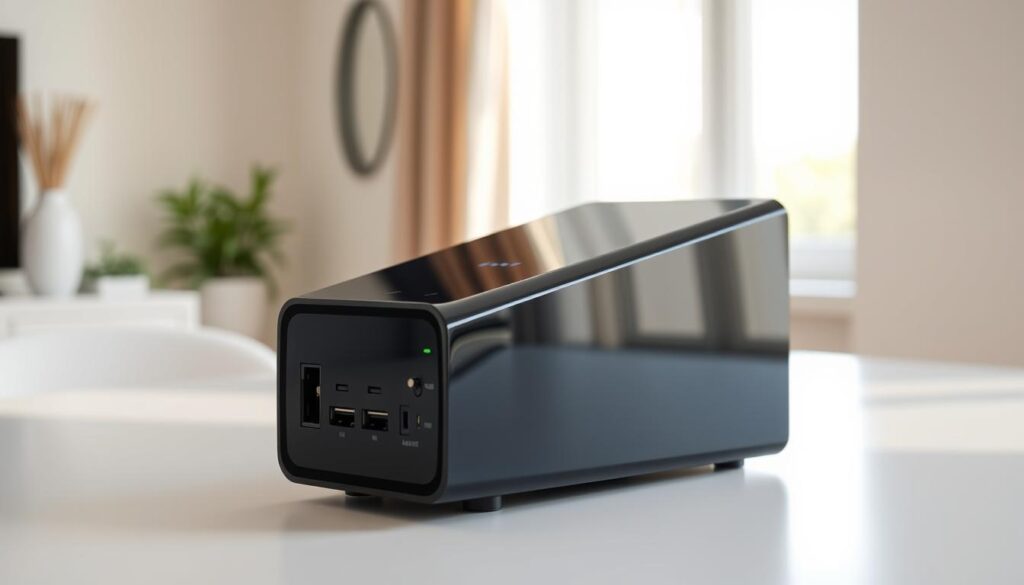
DSL modems use phone lines for internet. They’re less common now because they’re slower than cable and fiber. But, they’re good in areas without better options.
Fiber-optic modems, or ONTs, connect to fiber-optic services. They turn light signals into digital signals for your devices. This offers very fast speeds.
Key Considerations
Choosing a modem depends on your internet service. Not all modems work with every connection. For cable internet, you need a modem that matches your provider’s DOCSIS version.
In summary, the right modem for you depends on your internet setup. Knowing the different types helps you choose the best for a fast and reliable connection.
Choosing the Right Modem for Your Needs
Finding the right modem is key for a smooth internet experience. With so many choices, picking the best one can be tough.
First, decide if you need a standalone modem or a modem–router combo. A standalone modem is good if you already have a router or like to keep things separate.
A modem-router combo, or cable gateway, is handy because it combines both. It’s easier to set up and looks neater. But, if your router breaks, you’ll lose your internet.
Internet Speed Requirements
Next, think about how fast you need your internet. If you have a fast plan, you need a modem that can keep up. For example, if your ISP offers up to 1 Gbps, you need a modem that supports DOCSIS 3.1 or higher.
Make sure the modem works with your ISP too. Not all modems are compatible with every ISP. Checking this can prevent performance problems.
Assessing Your Needs
Think about how you use the internet. If you stream, game, or work from home a lot, you need a modem that can handle it all without slowing down.
In short, picking the right modem means thinking about your internet use, the type of modem you need, and if it works with your ISP. This ensures you get the best performance and a reliable connection.
Setting Up Your Modem
Setting up your modem is easy. First, connect it to the cable outlet with a coaxial cable. This cable is often given by your internet service provider (ISP) or bought at an electronics store.
If you need to connect your modem to a router, use an ethernet cable. Not all setups need a separate router. But for those that do, this step is key for your devices to connect.
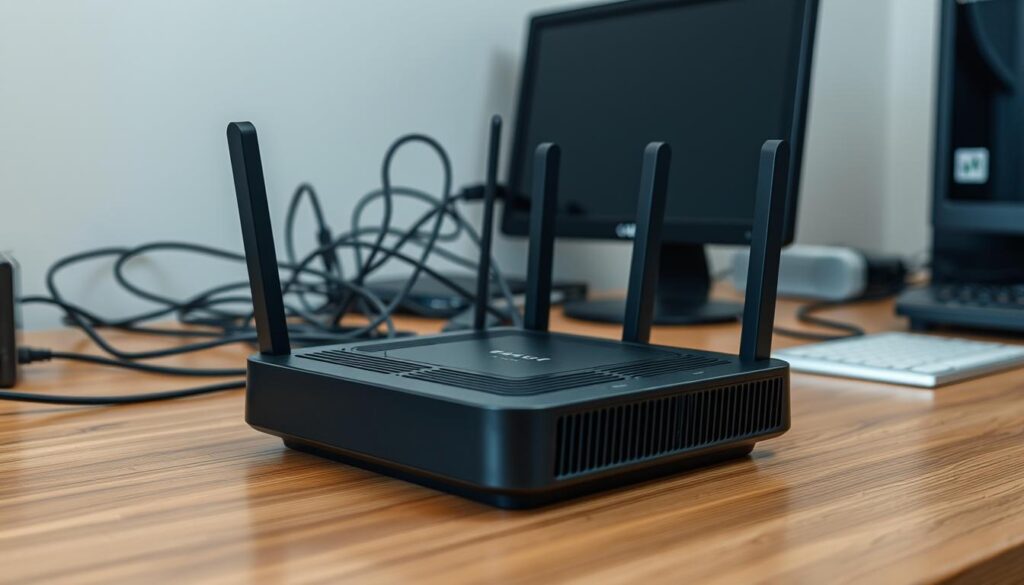
After connecting, plug in the power cord to turn on your modem. You’ll see lights on the modem that blink and then stay steady. This means your modem is starting up and getting ready to use.
Activating your modem with your ISP is the final step. You can call your ISP’s customer service or visit their website to activate it. You might need to give the modem’s serial number, found on the device or in its manual.
Once activated, your modem is ready. You can connect your devices to the internet. Make sure your Wi-Fi network is secure by setting a strong password.
Remember, a successful setup is just the beginning. Keeping your modem’s firmware updated and placing it in the best spot can make your internet better.
Common Modem Features
Modern modems come with many features to boost their performance and use. They often have multiple Ethernet ports. This lets users connect several devices straight to the modem.
Another important feature is Quality of Service (QoS) settings. These settings help users make sure important internet activities get priority. This is great for online gaming or streaming videos, making the experience smoother and more reliable.
Also, modern modems support the latest DOCSIS versions. This means they can handle faster data transfers and better performance. This is key for those who need fast internet for heavy tasks.
Knowing about these modem features helps users choose the right modem. This choice can greatly improve their internet experience.
Troubleshooting Your Modem
Fixing your modem can solve many problems, like no internet or slow speeds. Start by checking the physical connections. Make sure all cables are plugged into the right ports on both the modem and your device.
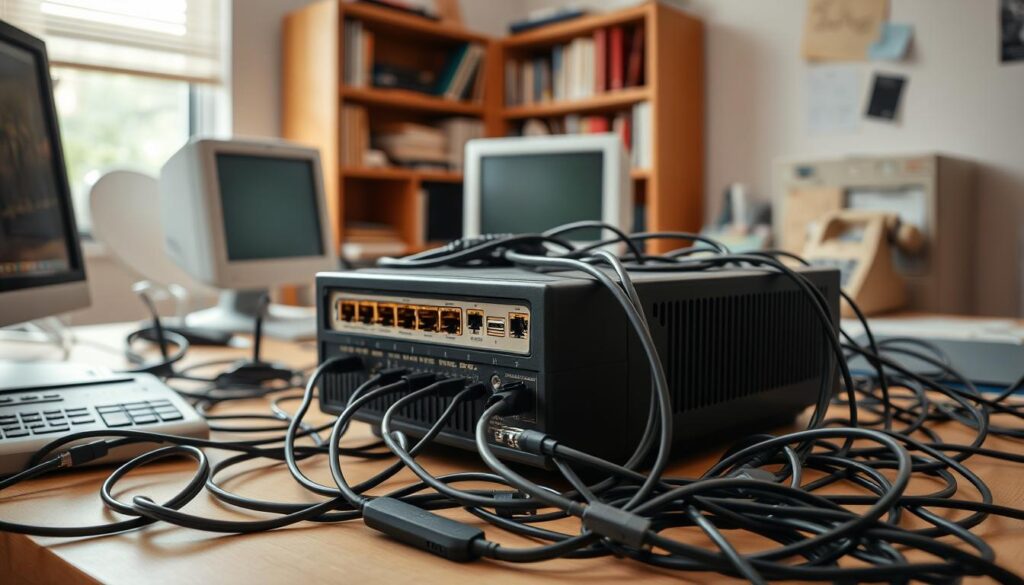
If you face no internet connection, try restarting your modem. This simple action often fixes the issue. Unplug the power cord, wait 30 seconds, and then plug it back in. This refreshes your modem’s connection.
No Internet Connection, Slow Speeds
For slow speeds, see if other devices are using a lot of bandwidth. Streaming, gaming, and big downloads can slow your internet. Try limiting bandwidth or getting a faster internet plan if speeds are slow.
It’s also key to keep your modem’s firmware updated. Old firmware can cause problems and slow down your modem. Visit the manufacturer’s website for updates and follow their guide to update your firmware.
By taking these troubleshooting steps, you can often fix your modem’s connection and boost its performance. If problems continue, you might need to reach out to your internet service provider for help.
Enhancing Your Modem’s Performance
Improving your modem’s performance can make your internet better. One easy way is to put your modem in the middle of your home or office. This helps spread the internet signal, reducing dead zones.
Optimal Modem Placement is key. Don’t put your modem in small spaces or near other devices that might mess with its signal. Also, raising your modem and keeping it away from walls can help it work better.
Think about upgrading your modem if it’s old. Newer modems support the latest tech, giving you faster speeds and better performance. If your modem is a few years old, it might be time for a new one to enjoy your ISP’s best features.
Keeping your modem’s firmware up-to-date is also important. Updates fix bugs, improve performance, and boost security. Having the latest firmware keeps your connection stable and safe from threats.
By following these tips, you can make your modem work better. This means a faster and more reliable internet for streaming, gaming, or just browsing.
Understanding Modem vs. Router
To connect your devices to the internet, you need to know about modems and routers. These devices have different jobs in getting and sharing your internet connection.
A modem connects your place to the internet. It talks to your Internet Service Provider’s (ISP) servers. This lets data flow in and out. A router, on the other hand, spreads the internet connection to all your devices. This includes computers, phones, and smart TVs.
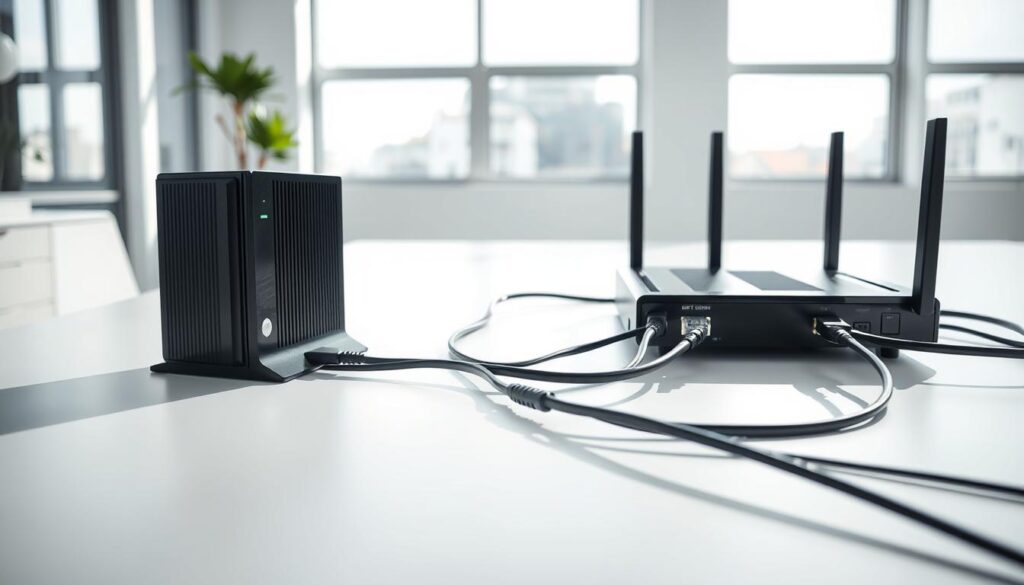
Modems and routers are often separate devices. But, they can also be together in one unit called a gateway. A gateway makes setup easier and cuts down on clutter. It combines the modem and router into one.
Knowing the difference between a modem and a router is key for fixing and improving your internet connection. Whether you use them together or apart, understanding how they work is important. It helps you make better choices for your network.
Modem Security Best Practices
In today’s world, keeping your modem safe is key. Your modem is the entry point to your home network. It’s the first defense against cyber attacks.
Changing your modem’s default admin password is a smart move. Default passwords are easy to find online. Hackers can quickly get into your modem if you don’t change it.
Turning on WPA2 encryption is also important. WPA2 encrypts data between your devices and the router. This makes it hard for others to get your data.
Updating your modem’s firmware regularly is essential. Firmware updates fix security holes found after the modem was made. Keeping your firmware current helps protect you from known threats.
Following these best practices boosts your modem’s security. It keeps your home network safe from threats.
The Future of Modem Technology
The future of modem technology is set to change how we connect to the internet. With DOCSIS4.0 on the way, we’ll see much faster speeds and better performance.
DOCSIS4.0 is the newest in modem tech, promising faster data transfer and better performance. It will make the internet better for everyone, with smoother streaming and quicker downloads.
As modem tech keeps getting better, we’ll see new features and improvements. The future looks bright, with chances for even less latency and more efficient networks.
With DOCSIS4.0 and other new trends, home and business internet will get even better. Keeping up with the latest modem tech is key for the best internet experience.