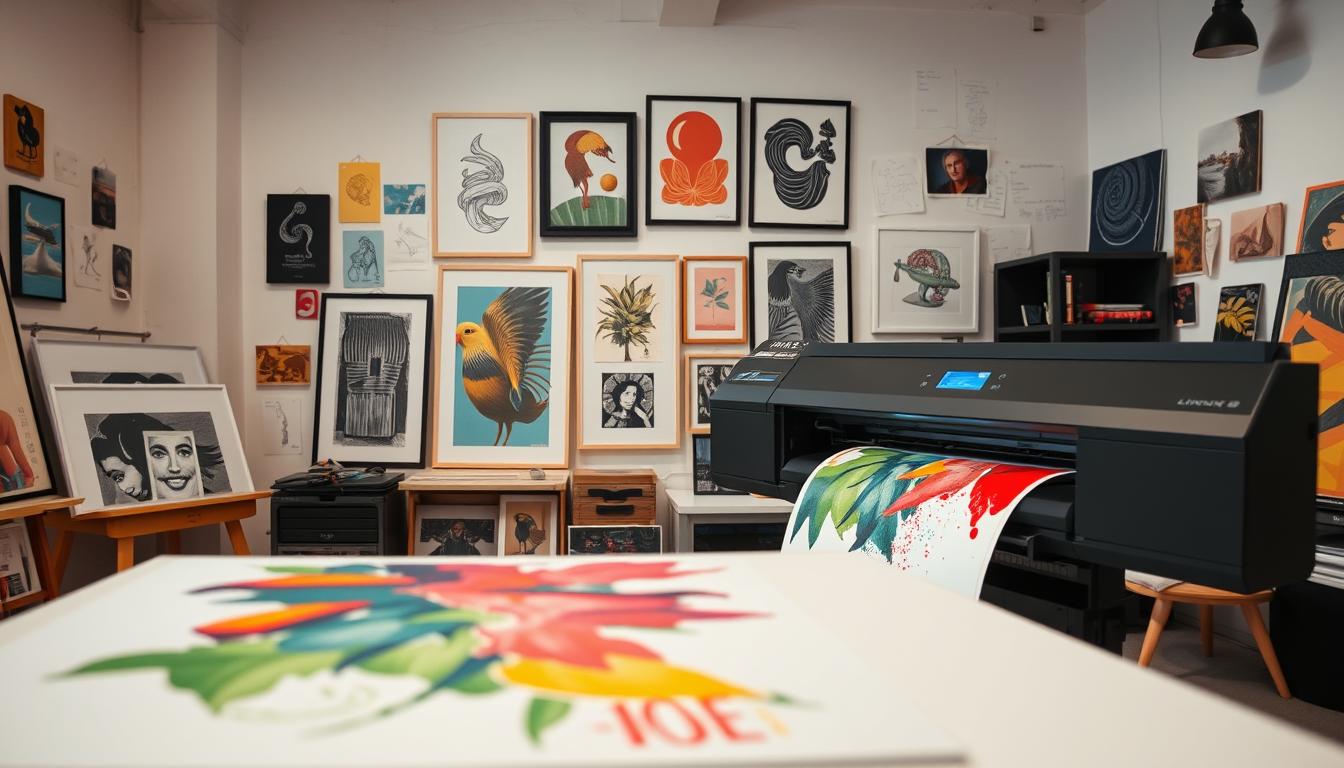
Creating art is just the first step; printing it can be a daunting task. With the rise of digital art, art printing has become more accessible. This allows artists to share their work in various formats.
Choosing the right printing techniques is key to bringing your art to life. Whether you’re printing at home or using a professional service like Printkeg or Mixam, the quality of your print can vary greatly. This depends on the method you choose.
Using a high-quality printer can make all the difference in the final output. As you explore your options, consider what will work best for your artistic needs. Make sure your prints accurately represent your original pieces.
Understanding Different Types of Printers
It’s key for artists to know the different printers out there. The right choice can change how your art looks and feels.
Inkjet printers are top picks for art. They make images pop with bright colors. Mixam says picking the right printer is key for quality prints.
Laser printers are fast and good for text. But, they might not match inkjet quality for detailed art.
The big difference is how they print. Inkjet sprays ink for rich colors and soft blends. Laser uses toner and a laser for sharp text but less color for art.
Think about what you need before picking a printer. Artists should go for an inkjet printer for top image quality. But, if you print lots of text, a laser printer might be better.
How to Choose the Right Printer for Your Needs
Finding the perfect printer means looking at print resolution and color accuracy. The quality of your prints is key, and the right printer can really make a difference.
Print resolution, or dots per inch (DPI), shows how clear your prints will be. A higher DPI means more detail. For art, aim for at least 300 DPI. But for detailed or large prints, you might need even more.
Print Resolution and Color Accuracy
Color accuracy is very important for artists. They want their prints to look just like their original work. Printers with advanced color management and a wide color range can do this well.
Think about what you print most. For photos, look for a printer with great color and high DPI. For text or line art, focus on DPI and monochrome printing.
Also, check the printer’s connectivity and device compatibility. Many printers now offer wireless and mobile printing, making it easy to print from your device.
The best printer for you depends on your art, print size, and budget. Focus on print resolution and color accuracy to find the perfect match for your art.
The Importance of Printer Resolution
Printer resolution is key for high-quality art prints. It ensures every detail is captured. A higher resolution means clearer prints, just like the original artwork.
High-resolution printing is vital for art reproductions. It keeps the original’s details and nuances in the print. This is important for artists and fans who need precise, quality prints.
The difference between low and high-resolution prints is clear. Low-resolution prints are blurry, while high-resolution prints are sharp. This shows the artwork at its best.
For art printing, knowing the right printer resolution is essential. It greatly affects the print’s quality. So, it’s a critical part of the printing process.
Setting Up Your Printer
The journey to printing your art starts with setting up and calibrating your printer. This ensures your printer prints accurate colors and high-quality prints.
First, unpack your printer and remove any packaging. Then, plug it into a power source and turn it on. Choose your language and country or region from the on-screen instructions. Next, install the ink cartridges or toner as the manufacturer says.
Calibration is key in the setup. It adjusts the printer’s settings for the best output. Most modern printers have a built-in calibration process. You can find it through the control panel or printer software on your computer.
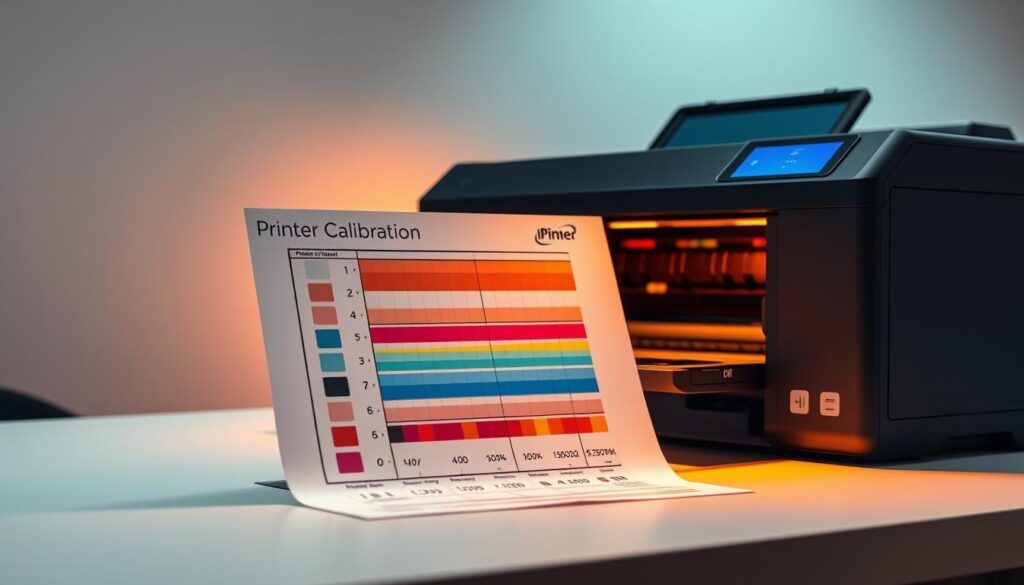
To calibrate your printer, just follow the device’s instructions. This might mean printing a calibration page and adjusting settings based on it. Some printers also offer automatic calibration, making it easier.
After setting up and calibrating, you can print your art. Don’t forget to update your printer’s software and firmware. This keeps it working well with your computer or other devices.
By following these steps, your printer will be ready to print high-quality prints of your artwork.
Understanding Printer Ink and Toner
Printer ink and toner are key for printing. Knowing their differences is important for top-notch results.
Printer ink is for inkjet printers and brings out vibrant colors. It’s great for photos and artwork needing color accuracy. Inkjet printers spray ink droplets onto paper to create images.
Toner is for laser printers and is known for its efficiency and quality text. It’s a dry powder that gets fused onto paper with heat, making prints crisp and durable. Laser printers are fast and cost-effective for lots of printing.
Choosing between ink and toner depends on your printing needs. Inkjet printers are best for photos and colorful graphics. But, laser printers with toner are better for lots of text printing.
Knowing about printer ink and toner helps you choose wisely. This ensures you get the best from your printer.
Preparing Your Artwork for Printing
To get a top-notch print, your artwork must be ready. This means considering resolution and file format. Making sure your files are set up right is key for the best outcome.
First off, check the resolution. A high-resolution image is vital for a clear print. Aim for a resolution of at least 300 DPI (dots per inch) for most prints.
Then, think about the file format. Printers and printing methods need different file types. For example, TIFF and JPEG are common, but always check with your printer.
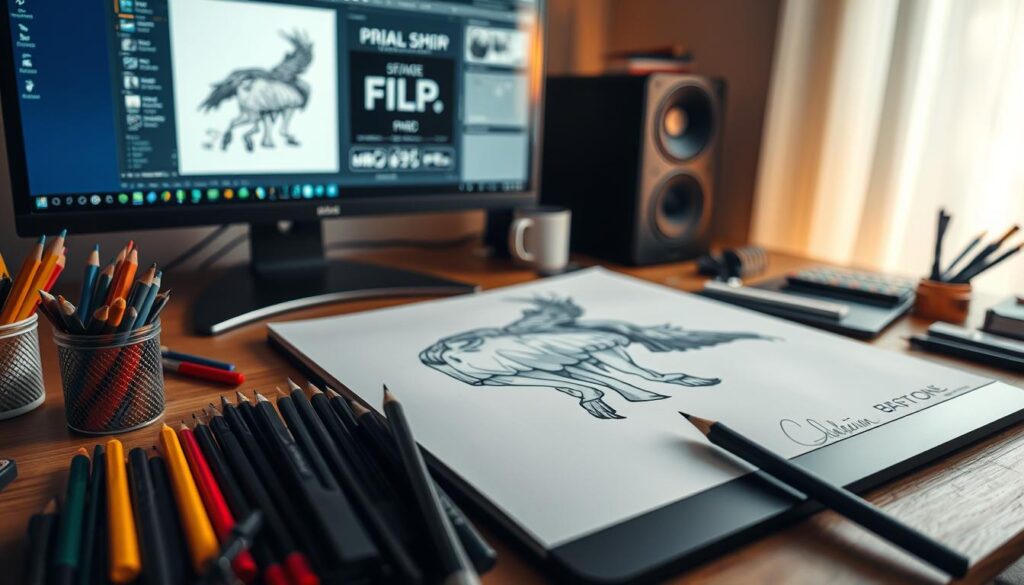
Also, the color mode of your artwork matters. For printing, use CMYK color mode. It’s made for printing and ensures colors look right.
Before printing, proofread your artwork. Look for spelling mistakes, check the layout, and confirm the colors. This step helps avoid costly reprints.
By following these steps for preparing your artwork, you’ll get prints that look great. They’ll accurately show off your original artwork.
Tips for Achieving the Best Print Quality
Getting the best print quality involves understanding your printer, picking the right materials, and tweaking your settings. The quality of your prints depends on your printer, the paper you use, and your print settings.
Choosing the right paper is key. Glossy paper is great for photos, while matte paper works best for text. Choosing the right paper can improve color accuracy and texture.
Adjusting your print settings is also important. Modern printers offer many settings to customize quality, color, and paper type. For photos, use a higher DPI setting for clearer images. As Mixam advises, using these settings well can greatly improve print quality.
Color management is essential for top print quality. Calibrate your monitor and adjust your printer settings to match screen colors. Use color calibration tools or software for consistent colors across devices.
“The key to achieving the best print quality lies in understanding the interplay between your printer, the materials you use, and how you configure your settings.”
Focus on these factors and adjust as needed to enhance print quality. Whether it’s art, photos, or documents, these printing tips can lead to professional results.
Final Adjustments
Always do a test print before making a large batch. This lets you tweak settings or materials. It helps avoid wasting on prints that don’t meet your standards.
Common Printing Issues and Fixes
Many printing problems can be fixed with a little troubleshooting. Issues like misaligned prints, wrong colors, and more can be solved. Knowing how to tackle these problems saves time and reduces frustration.
Misaligned prints are a common problem. They can happen if your paper settings or printer settings are off. Make sure your paper size is right in both places. Also, check that the paper is aligned in the printer tray.
Incorrect Colors: If your prints have the wrong colors, it might be because your ink is old or low. Check your ink cartridges and replace them if needed. Calibrating your printer also helps ensure colors are right.
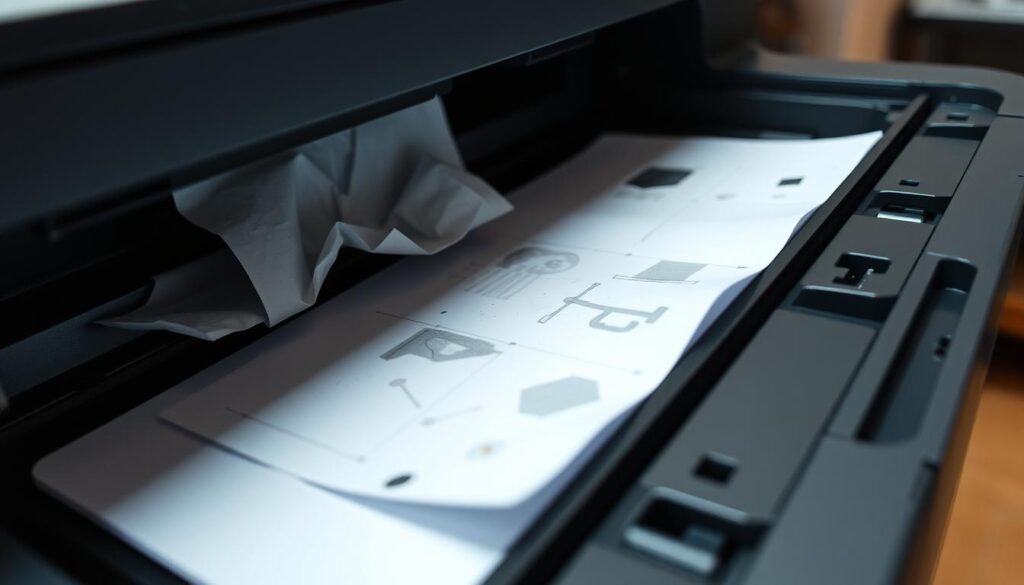
Paper jams are another issue. They happen when paper gets stuck in the printer. To fix it, turn off the printer, remove the jammed paper, and restart. Cleaning your printer regularly can also stop paper jams.
Troubleshooting Tips
For more complex problems, like prints not matching the digital version or being faded, there are steps to take. Make sure your printer drivers are current. Also, check your print quality settings to match your needs.
Regular Maintenance: Keeping your printer in good shape prevents many issues. Clean the printer heads, update firmware, and use quality paper.
By understanding and fixing common printing problems, you can greatly improve your printing. Whether it’s art, documents, or photos, solving these issues helps you get the best results.
Eco-friendly Printing Practices
Sustainable printing options are now more accessible than ever. Artists can print their art while being kind to the planet. The printing industry is moving towards greener practices. Artists can help by adopting eco-friendly printing methods.
Choosing recycled paper is a great way to make printing more sustainable. Services like Printkeg offer recycled paper options for art printing. This reduces the need for virgin paper, saving trees and cutting down on waste.
Using environmentally friendly inks is another key aspect of sustainable printing. Traditional inks can harm the environment and human health. Eco-friendly inks, made from natural ingredients, are safer for both artists and the planet.
Artists can also reduce waste in printing. They can optimize print sizes, avoid unnecessary prints, and use digital files. Being mindful of printing habits can greatly reduce environmental impact.
Some printing services now offer eco-friendly printing options. They use renewable energy in their operations. Supporting these services helps promote sustainability in the printing industry.
In conclusion, eco-friendly printing is good for the environment and helps artists contribute to a sustainable future. By choosing the right materials, minimizing waste, and supporting green services, artists can make a positive impact. They can enjoy printing their art while doing good for the planet.
Creative Uses for Your Printer
Your printer is more than just for printing documents. It’s a way to express your creativity. With the right materials and techniques, you can make unique art pieces.
Printing on canvas is a thrilling option. It lets artists create high-quality prints that look like original paintings. These prints can be stretched and hung like artwork. It’s perfect for photographers and artists who want to display their work in a new way.
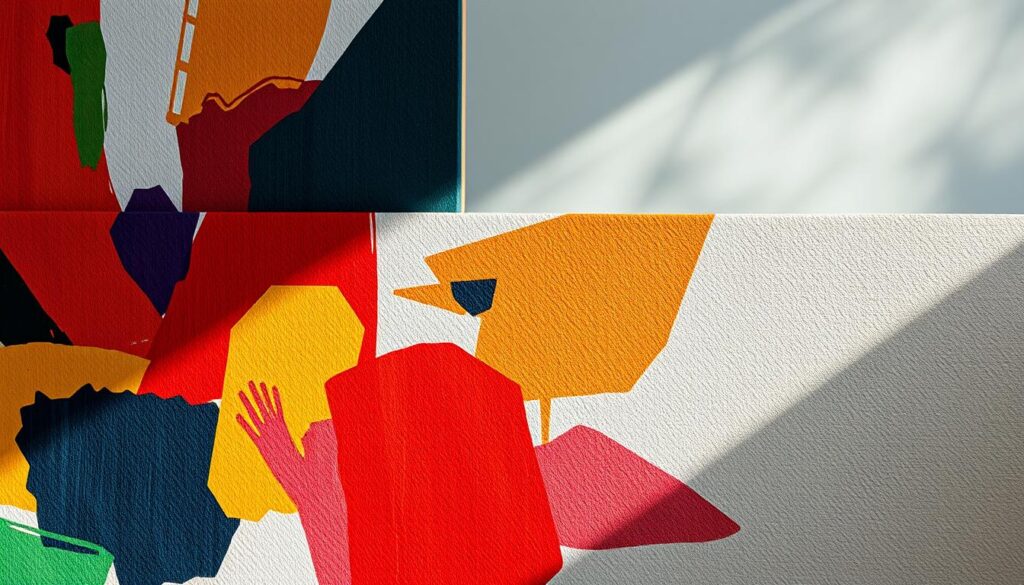
You can also print on other materials like transparency film, fabric, and even wood. This opens up many creative possibilities. You can make custom textiles, wall art, or even designs on wood for decoration.
To explore these creative options, know what your printer can do. Try different materials and techniques. This will help you find new ways to express yourself and bring your ideas to life.
If you’re an artist, crafter, or DIY enthusiast, your printer is a great tool. It can help you achieve your creative goals. By using your printer for artistic uses, you can discover new ways to express yourself and take your art to the next level.
Final Thoughts on Printing Your Art
Printing your art can be very rewarding. It lets you bring your creative ideas to life. By picking the right printer and following tips, you can get high-quality prints.
Keep trying new techniques and materials as you explore printing art. This can help you find new ways to improve your work. Whether it’s photos, illustrations, or mixed media, the right printer can make your art look professional.
Now you have the knowledge to take your art to the next level. So, start printing and enjoy making your digital creations into real art. Share your thoughts on how printing has impacted your artistic journey.