
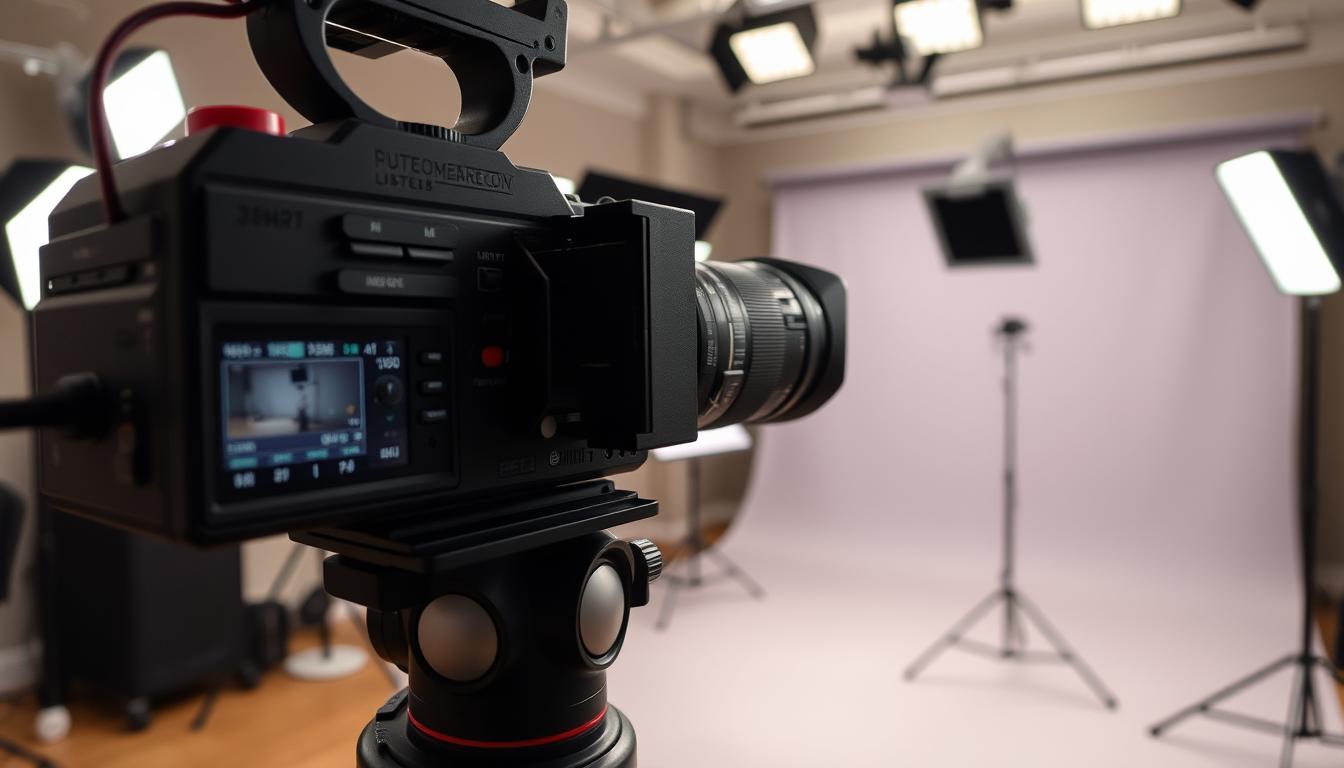
Capturing life’s precious moments with a video camera is now easier than ever. With the right gear, you can make stunning video recordings that look pro. Experts say a Camcorder that records in 1080p at 50 fps is best for top-notch footage.
Choosing the right camera settings is key for quality videos. A Camcorder that records in 1080p at 50 fps makes your videos smooth and detailed. This is great for fast scenes or slow-motion effects.
Learning the basics of your video camera and tweaking settings can really boost your recording quality.
Understanding the Basics of Video Cameras
To capture high-quality videos, knowing the basics of video cameras is key. A camera’s ability to record at different resolutions and frame rates is critical. The resolution affects how clear the video is, while the frame rate makes the motion look smooth.
Recording in 1080p with 50 fps is often the best choice for quality videos. This setting balances clarity and smoothness well. A video production expert says, “Shooting in 1080p at 50 fps gives you a more cinematic feel while ensuring your videos are detailed and fluid.”
“The key to great video quality lies in understanding your camera’s capabilities and adjusting settings according to your needs.”
When tweaking your camera settings, think about the camera features you need most. Whether it’s fast action or calm landscapes, knowing how to tweak resolution and frame rate can greatly improve your video’s quality.
Choosing the Right Video Camera for Your Needs
Finding the perfect video camera means knowing what you need and finding a camera that fits. Whether it’s for family videos or professional projects, the right camera is different for everyone.
There are many video camera types out there. Handheld camcorders are easy to carry and use for events. DSLRs give you top-notch images and control over settings. Action cameras, like GoPro, are best for tough or extreme shots.
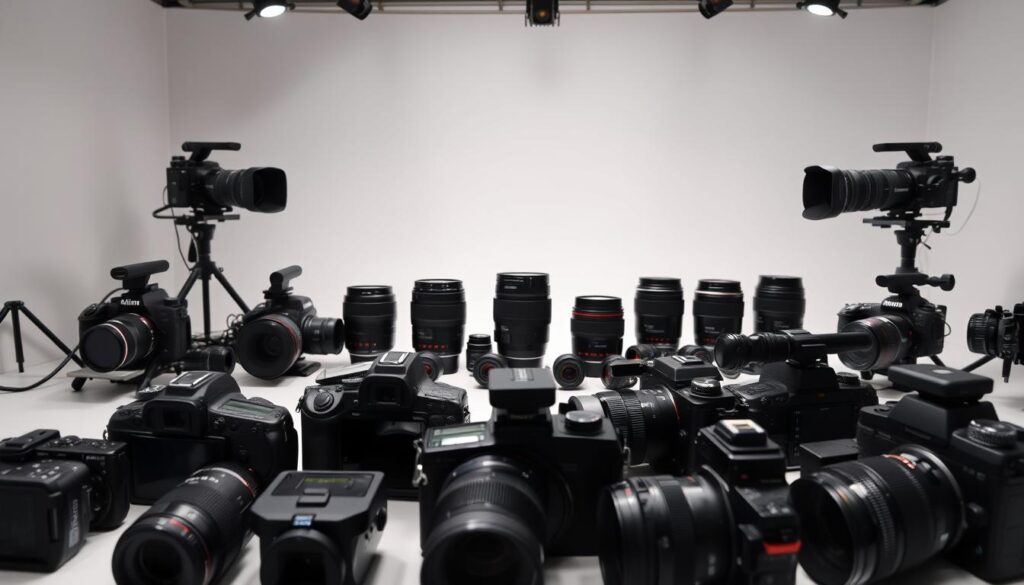
Choosing the right camera depends on how you plan to use it. For family videos, look for something simple and long-lasting. For professional work, you’ll want advanced features like 4K and interchangeable lenses.
Brands like Sony, JVC, and Panasonic have great options for various needs. Sony is known for its quality sensors and autofocus. JVC’s camcorders have great video stabilization. Panasonic offers manual controls and 4K recording.
The best camera for you depends on your needs and what you like. Think about your use and what features are important. This way, you can pick a camera that captures great video for you.
Top Brands to Consider
Choosing the right video camera brand can be easier with so many options. Many brands stand out in the market, each with unique features for different needs.
When comparing camera brands, it’s key to know their strengths and weaknesses. Sony, JVC, and Panasonic are top picks for their quality.
When picking a video camera, think about a few important features. Look at image quality, how durable it is, and the customer support. A good brand balances these well.
Image quality is key, as it affects your recordings. Brands with advanced sensors and lenses usually do better here.
Durability matters too, for those who use their cameras a lot or in tough spots. Sony and Panasonic are known for their sturdy builds.
Lastly, customer support is vital for a good experience. Brands with great support, like warranties and quick customer service, are more attractive.
In summary, looking into top brands and their features is essential when choosing a video camera. By comparing Sony, JVC, and Panasonic, you can find the best fit for you.
Essential Accessories for Video Cameras
Many accessories can greatly improve your video production. One key item is a tripod or stabilization equipment. These are vital for high-quality video.
Tripods and Stabilization Equipment
Using a tripod or stabilization gear is essential to avoid camera shake. Camera shake can make your footage blurry or unstable. A tripod gives your camera a stable base for smoother movements.
Benefits of Using Tripods and Stabilization Equipment:
- Reduces camera shake and blur
- Allows for smoother panning and tilting
- Enhances overall video quality
A professional videographer says, “A good tripod is not just an accessory, it’s a necessity for anyone serious about producing high-quality video content.”
“The stability it provides is unmatched, and it’s an investment that pays off in the quality of your footage.”
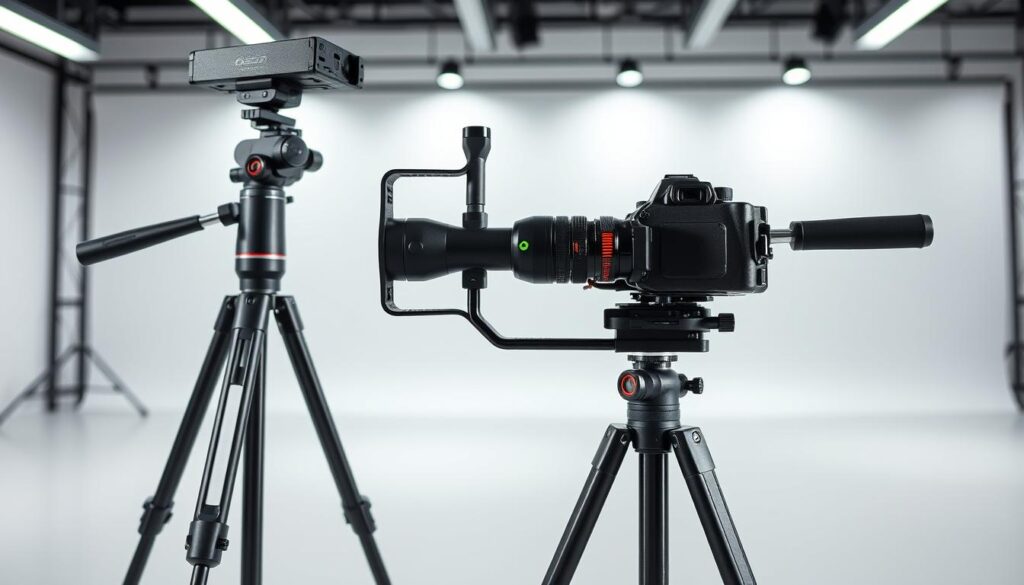
When picking a tripod or stabilization gear, think about your video type. For fast action, a gimbal might be better. But for slow pans, a sturdy tripod is best.
In summary, adding the right accessories like tripods and stabilization gear to your toolkit can greatly improve your video quality. These tools help reduce camera shake and allow for smoother movements. This makes your videos look more professional and engaging.
Mastering Video Recording Techniques
To get professional-looking footage, you need the right gear and know-how. Understanding video basics and using the best camera settings, lighting, and composition is key.
Adjusting your camera settings is vital for great video. Choose the right resolution, frame rate, and exposure for your scene. For example, a higher frame rate makes fast-moving scenes smoother.
Tips for Achieving Professional-Looking Footage
Here are some tips for top-notch video:
Use a Tripod: A tripod keeps your camera steady. This is great for smooth pans and tilts, and when it’s dark or you’re zooming in a lot.
Pay Attention to Lighting: Good lighting is essential. Natural light is best, but indoor shots need quality lighting to avoid bad shadows and bright spots.
Composition is Key: Use the rule of thirds. Place your subject off-center for a more engaging shot.
Stabilization tools like gimbals or handheld stabilizers are also important. They make your footage look smoother. Learning about camera modes and when to use them can also boost your skills.
By mastering these techniques and following best practices, your video quality will improve. Remember, the more you practice, the better you’ll get.
Editing Your Videos Like a Pro
Effective video editing turns raw footage into a compelling story. With the right tools and techniques, you can make your videos stand out. This way, you can capture your audience’s attention.
Video editing is key in video production. It helps creators refine their content and share their message clearly. Tools like VEED’s online editor make it easy for everyone to edit videos like pros.
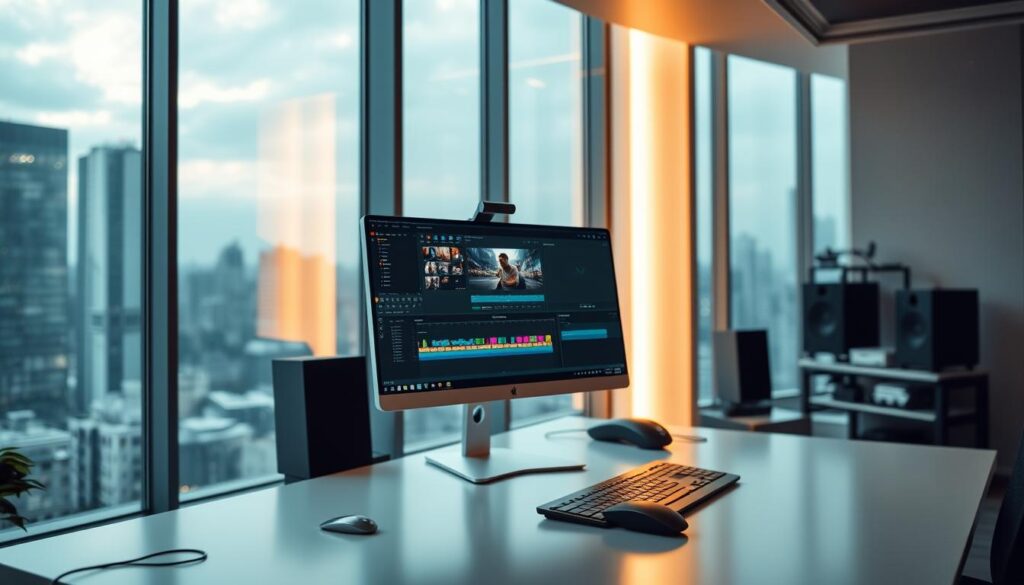
To edit your videos well, start by organizing your footage. Choose the best clips and get rid of any unnecessary parts. Trimming and cutting your clips helps remove unwanted parts.
Adding music and effects is also important. Music sets the mood, while effects add visual appeal. But, use these elements wisely to avoid overwhelming your audience.
Lastly, think about your video’s pacing. A good video balances fast and slow segments to keep viewers interested. Try different editing styles to find the right pace for your content.
Best Practices for Video Storage
Effective video storage is more than just saving files. It’s about keeping them organized and easy to find. With so much video content being made every day, having a good storage plan is key.
Choosing the right storage is important. You can pick between external hard drives and cloud storage. External hard drives have lots of space and are cheaper at first. But, they can get damaged and lose data if not taken care of.
Cloud storage is a safe and easy way to store videos. You can get to your files from anywhere and share them with others. But, you need a good internet connection and might have to pay a subscription fee.
Organizing Your Video Files
After picking your storage, organizing your files is next. Make a clear folder structure and use easy-to-understand file names. This makes it easier to find and manage your videos.
“A well-organized video library is not just about keeping your files in order; it’s about preserving your memories and making them accessible for years to come.”
Transferring videos from your SD card to a computer is important. Do it quickly to save space on your SD card and avoid losing data. By following these video storage tips, you can keep your videos safe, easy to find, and fun for years.
Sharing Your Videos Online
Sharing videos online is key to reaching more people. Now, you can share videos from sites like VEED easily. This makes it simpler for creators to get their work seen.
There are many ways to share videos online. You can use video sharing sites or social media. Knowing which platform works best for your video is important.
Optimizing Videos for Social Media
Each social media site has its own style and audience. For example, YouTube is great for longer videos. But Facebook and Instagram are better for short, catchy clips.
To make your videos fit each platform, adjust the format, resolution, and length. This will help your video stand out.
Video titles, descriptions, and tags are key to being found online. A catchy title with the right keywords can boost your video’s search ranking.
Descriptions should clearly summarize your video. Include phrases your viewers might search for. Tags help categorize your video, making it easier to find.
By following these tips, you can grow your online presence. This way, more people can see your videos.
Common Mistakes to Avoid
To make sure your videos are top-notch, it’s key to know and steer clear of common errors many creators face.
One big problem is camera settings and storage. Make sure your camera is set right and you have enough storage to avoid headaches.
Avoiding Common Errors
Checking your SD card before you start recording is a simple but important step. A full or damaged SD card can cause lost footage and wasted time. Keeping your storage devices in good shape can prevent this.
Another issue is camera problems. Sometimes, just restarting the camera fixes the issue. This easy fix can save you a lot of trouble.
It’s also important to know how to take care of your gear. This means cleaning your camera lens, updating your camera’s software, and using the right batteries or power sources.
By knowing these common mistakes and how to avoid them, you can greatly improve your video quality. This makes your video-making process smoother and more efficient.
Staying Up-to-Date with Video Trends
The world of video recording is always changing. New technologies and techniques keep popping up. It’s key to keep up with these changes to stay ahead.
Emerging Trends in Video Content
New trends include artificial intelligence, virtual reality, and 360-degree video. These are changing how we make and watch videos. They open up new chances for creators and viewers.
By knowing the latest trends and tech, you can keep your skills sharp. This lets you make videos that grab people’s attention. And it helps you stay ahead in the game.