
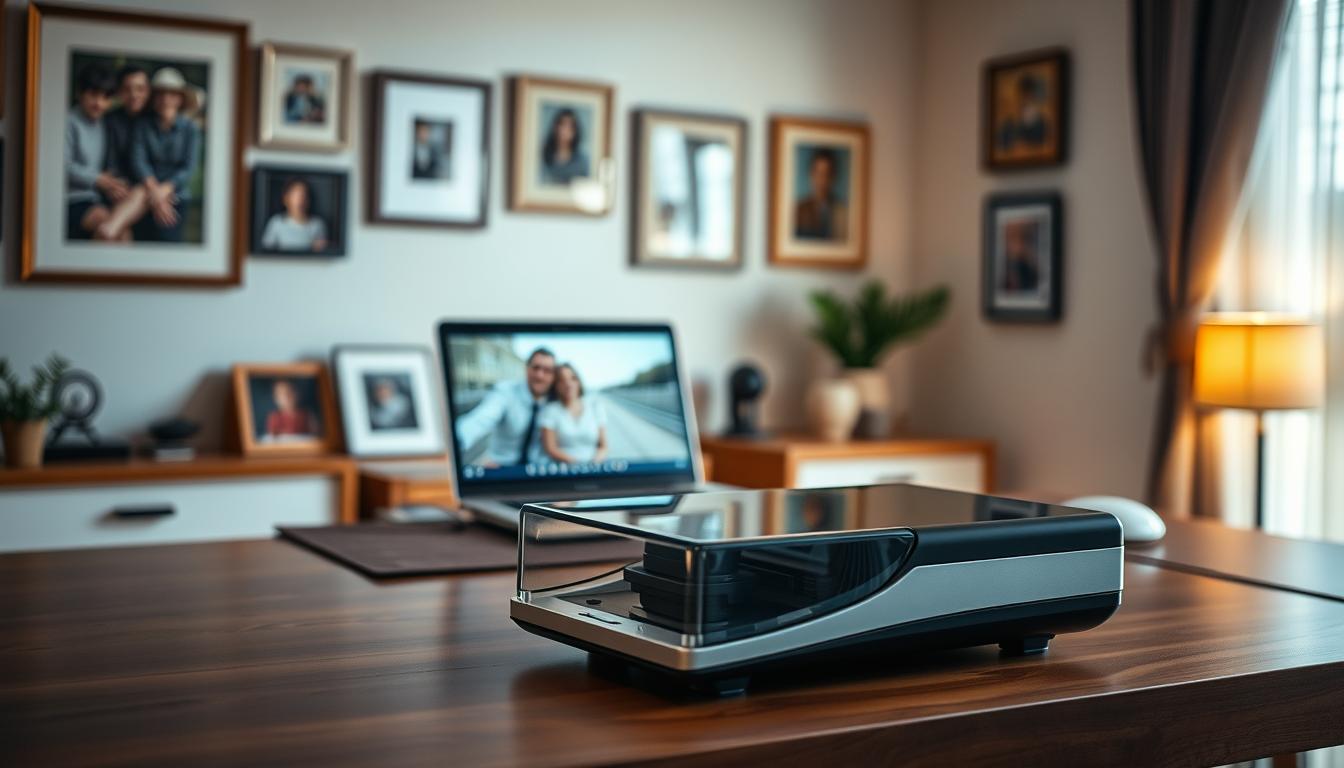
Technology has made scanning old photos simple. You don’t need special equipment or services anymore to digitize your memories.
Now, you can use a Scanner or even your smartphone to turn physical photos into digital ones. This keeps your photos safe and makes sharing them with loved ones easy.
Digitizing your old photos protects your memories from loss or damage. It helps keep your precious moments safe for future generations.
Understanding the Importance of Scanning Pictures
Scanning pictures helps keep memories alive for future generations. With digital tech taking over, digitizing photos is key to saving family stories and special moments.
When you scan photos, you keep memories safe and share them with others. This method also makes images clearer, showing details you might have missed before.
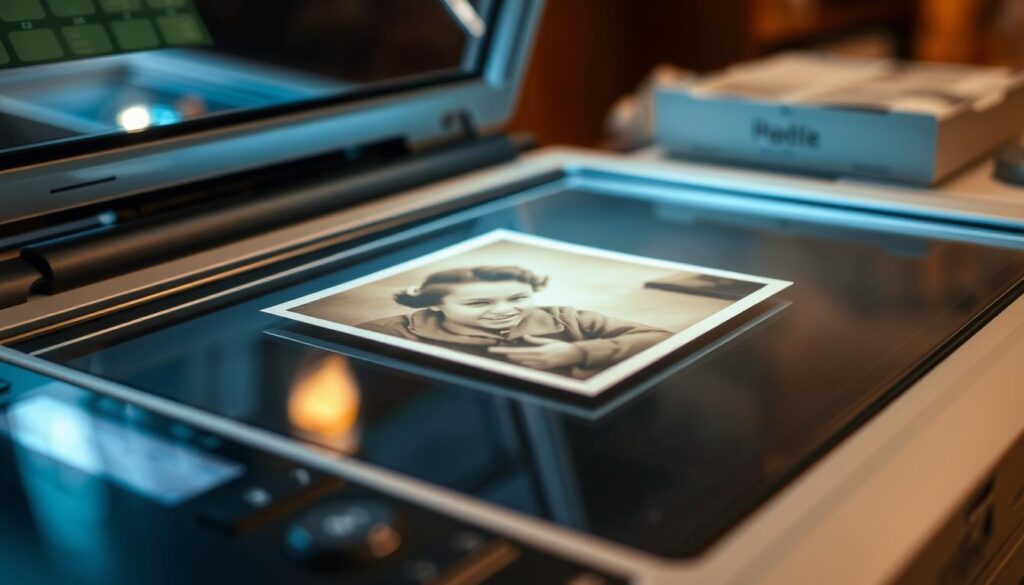
Experts say digitizing photos ensures they will be around for generations to come. This is a big deal for families wanting to keep their heritage alive. Plus, scanned images are safer from damage or loss than the originals.
Scanning pictures does more than just save them. It makes it easy to share memories online, like through email or social media. By digitizing photos, you’re keeping the past alive and embracing new ways to hold onto memories.
Choosing the Right Scanner for Your Needs
Starting your journey to digitize your pictures means picking the right scanner. There are many scanners out there, each with its own special features.
Flatbed scanners are a top choice for both personal and professional use. They are known for their versatility and high-quality scans.
Flatbed Scanners
Flatbed scanners are great for scanning documents and photos. You place the item face down on a glass surface, like a photocopier. The Canon CanoScan LiDE400 is a great example of a compact scanner that scans well and is easy to use.
When picking a scanner, think about the scanner software and scanning apps it comes with. Good scanner software can improve your scanning by fixing images, scanning in batches, and saving scans to the cloud.
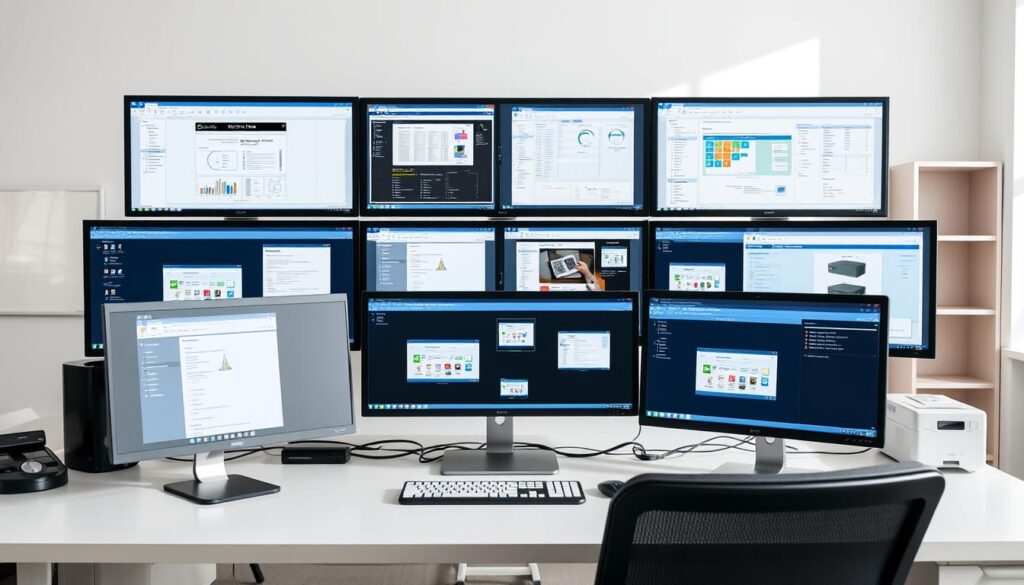
Some scanners work well with popular scanning apps. This makes it easy to share and manage your scanned images on different devices. Whether it’s family photos or important documents, the right scanner and software can make scanning easy and stress-free.
Understanding your scanning needs and looking at different scanners’ features will help you choose the best one for your goals.
Preparing Your Pictures for Scanning
To get the best scans, preparation is essential. Make sure your photos are clean and picked out well. This will make the scanned images look better.
Start by carefully removing dust or stains from your photos. Use a soft, dry cloth to avoid harming them. This step can make the scanned images clearer and more colorful.
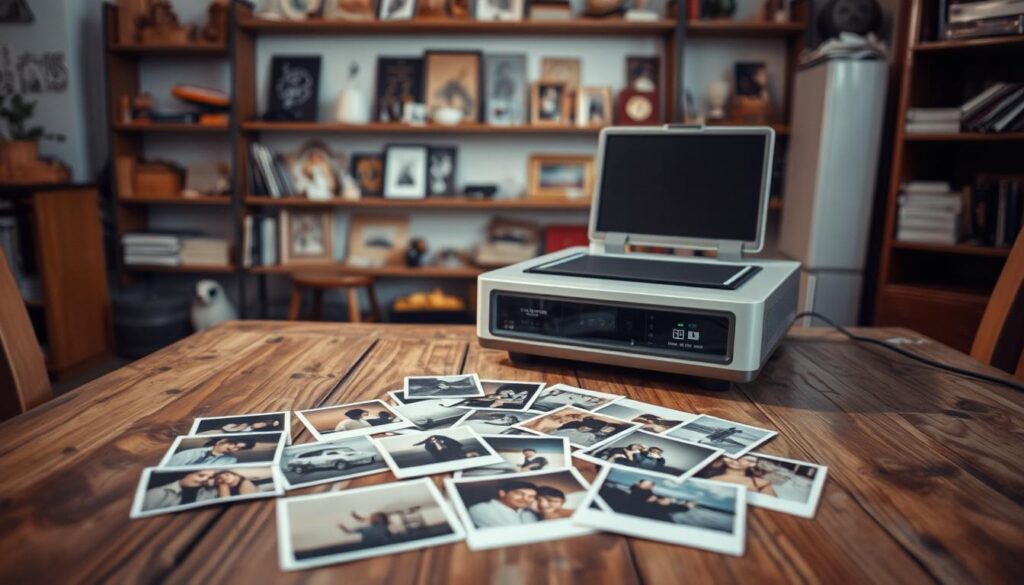
Then, choose only the best photos to scan. This saves time and focuses on keeping your most important memories. Organize your photos into groups or albums before scanning to work more efficiently.
By preparing your photos well, you’ll get high-quality scans. Using photo scanning software can also help. It offers tools to improve image quality and organize your scans.
Scanning Techniques for Optimal Results
Getting high-quality scans is not just about having a good scanner. It also needs the right techniques. For photo scanning, the method you choose greatly affects the outcome.
Lighting is a key part of scanning techniques. Soft lighting is best because it cuts down harsh shadows and glare. Experts say soft lighting can greatly improve scan quality.
Avoiding Glare and Reflections
Glare and reflections are big problems when scanning photos, like those with glossy finishes. To lessen these issues, try adjusting the scanner or lighting in your area. Try different angles to find the best setup for less glare.
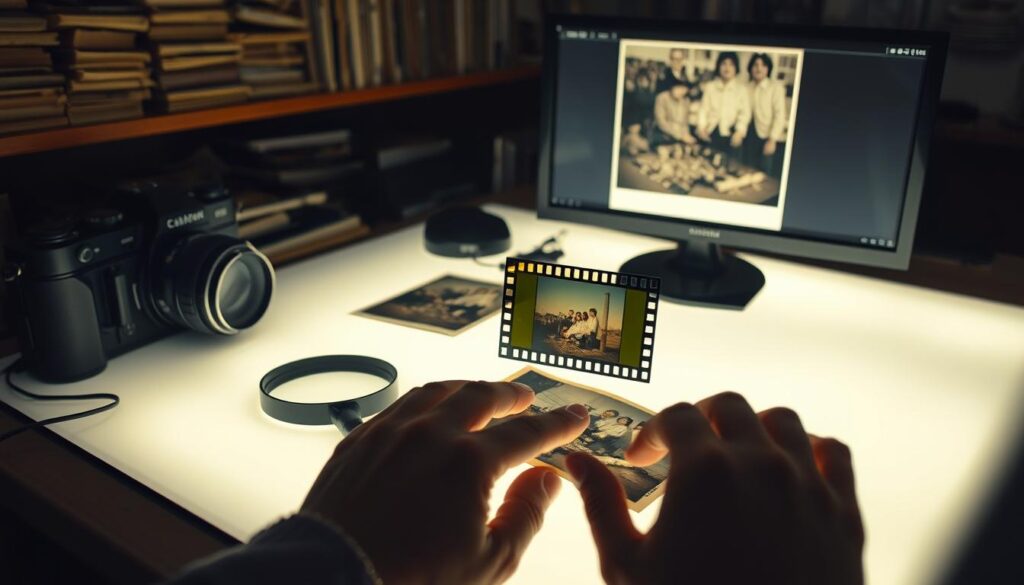
Another way to avoid glare is using a scanner with glare-reducing features. Some scanners have software that automatically adjusts settings to reduce reflections.
By learning these scanning techniques, you can greatly improve your scanned photos. This way, you keep precious memories in top quality.
Software Solutions for Scanned Images
Scanning is just the start. The right software is key for making the most of your scanned pictures. The best photo scanning software can greatly improve your digital images’ quality and use.
Apps like Google Photos and Microsoft Lens are known for scanning, editing, and improving photos. They offer many features, from basic tweaks to advanced editing tools.
When it comes to scanner software, there are many choices. Many scanners come with software that works well with them. This software often includes tools for improving images, changing file formats, and even recognizing text in documents.
For advanced editing, photo editing software like Adobe Photoshop is a great choice. These programs have many tools for changing images, from simple fixes to complex edits.
Don’t forget about organizing your scanned images. Being able to tag, categorize, and search them makes managing your digital photo collection easier.
In summary, the right software can turn your scanned images into enhanced, organized, and easy-to-access digital assets. Whether you choose a dedicated scanner software or a full photo editing suite, finding the right tool is essential. It should meet your needs and improve your digital photo collection.
Common Mistakes to Avoid When Scanning
To get high-quality scans, avoid some common mistakes. Scanning photos in frames or albums can cause glare and reflections. This can ruin the scan’s quality.
Use a Plain Background: Always scan photos on a plain background. This reduces distractions and keeps the focus on the photo. A simple background improves the scan’s clarity.
Don’t forget to adjust the scanner settings for different photo types. Settings for black and white photos are different from colored ones. Correct settings greatly improve the scan’s quality.
By avoiding these mistakes, you can digitize your photos well. This way, you keep your precious memories clear and precise.
Storing and Sharing Scanned Images
Storing and sharing your scanned images is key. After scanning your photos with a photo scan app or device, think about how to keep them safe and share them. This is important for preserving your memories.
Cloud storage services are a great way to store your scanned images. Google Photos, for example, lets you upload your photos and access them from any device. This saves space on your devices and keeps your scans safe in case something happens to them.
Sharing your scanned images is easy too. You can send individual photos or create albums on cloud services and invite people to see them. Some scanning apps even let you share directly on social media or via email.
Organizing your scanned images before uploading them is a good idea. Put them in folders or albums by theme. This makes it easy to share a bunch of photos at once with a single link. It’s a great way to share your memories with others.
The Benefits of Digitizing Your Photos
Digitizing photos is key to keeping family history safe. It turns old photos into digital ones, protecting your memories from harm.
By digitizing, you can preserve memories for your family’s future. It also lets you share these memories with loved ones far away. This keeps everyone connected to your heritage.
Digitizing photos also makes them easier to organize. You can make albums, add captions, and even improve the image quality with photo editing software.
Experts say digitizing photos is vital for keeping family records safe. It makes sure your family’s history is protected and easy to find for years.
In short, digitizing your photos has many benefits. It helps preserve memories and share them with others. By digitizing your photos, you ensure your cherished moments last for generations.
Keeping Your Scanned Images Safe
To keep your scanned images safe, use a reliable scanner and scanning software. Store them in multiple places like external hard drives or thumb drives. This helps prevent data loss.
Choose a scanner with top-notch scanning software. Some software has automatic backup and encryption. These features keep your images safe from unauthorized access.
By following these steps, your scanned images will stay safe and accessible for a long time.